Visual Studio Code – A Powerful and Free Code Editor for Windows
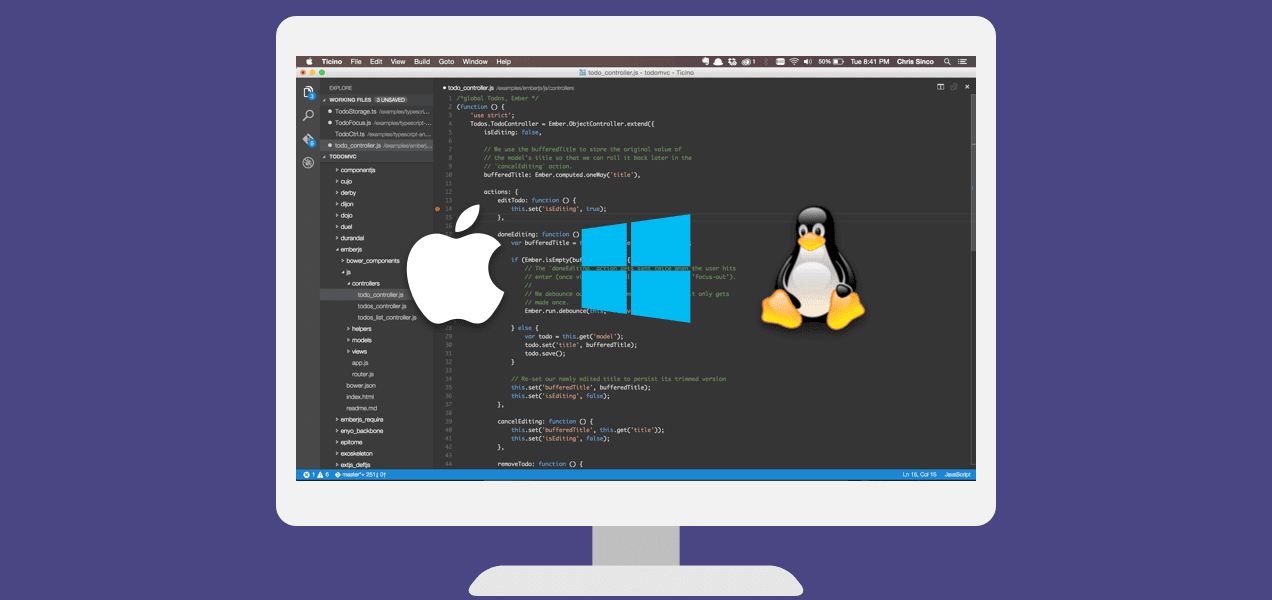
Visual Studio Code, often called VS Code, is one of the most popular code editors in the world. It is used by developers, students, and software engineers to write, edit, and manage code efficiently. Created by Microsoft, VS Code is designed to be fast, lightweight, and highly customizable, making it ideal for both beginners and professionals.
Unlike traditional text editors, Visual Studio Code provides intelligent tools that help you write better code, detect errors early, and work faster on any type of programming project.
What is Visual Studio Code?
Visual Studio Code is a source-code editor that supports a wide range of programming languages, including:
-
HTML, CSS, JavaScript
-
Python, C, C++, C#
-
Java, PHP, Go
-
SQL, JSON, Bash, and many more
It combines the simplicity of a text editor with the power of a full development environment, allowing users to write, test, and debug code from one place.
Why Visual Studio Code is so popular
1. Fast and lightweight
VS Code runs smoothly on Windows without using too much memory or CPU. It starts quickly and can handle large projects without slowing down your system.
2. Smart coding features
Visual Studio Code includes powerful tools such as:
-
Auto-completion while typing
-
Syntax highlighting
-
Error detection
-
Code formatting
These features help reduce mistakes and make coding easier and more accurate.
3. Thousands of extensions
One of the strongest advantages of VS Code is its extension system. You can add features such as:
-
Support for new programming languages
-
Themes and visual styles
-
Debugging tools
-
GitHub and Git integration
-
Code formatters and AI tools
With the right extensions, VS Code can be turned into a complete development platform for any project.
4. Built-in Git support
VS Code allows you to manage version control directly in the editor. You can create commits, view changes, and push code to GitHub without leaving the application.
What can you use Visual Studio Code for?
Visual Studio Code is suitable for many types of development, including:
| Field | Use |
|---|---|
| Web Development | HTML, CSS, JavaScript, React |
| Backend | Node.js, Python, PHP, Java |
| Game Development | C#, Unity |
| Data & AI | Python, SQL, Jupyter |
| DevOps | Docker, SSH, Git |
| Scripting | Bash, PowerShell |
No matter what you are building, VS Code can adapt to your workflow.
Is Visual Studio Code good for beginners?
Yes. VS Code is one of the best tools for people who are new to programming. It is easy to install, simple to use, and supported by a huge online community. Beginners can start writing code in languages like Python or HTML within minutes.
The clear interface and helpful suggestions make learning to code much easier.
Main advantages
-
Completely free
-
Runs smoothly on Windows
-
Supports many programming languages
-
Highly customizable
-
Regular updates from Microsoft
-
Large user community
Disadvantages
-
Some advanced features require installing extensions
-
Beginners may feel overwhelmed by the many options
Conclusion
Visual Studio Code is more than just a code editor. It is a flexible and powerful tool that supports almost every type of programming. Whether you are learning to code or working on a professional software project, VS Code provides everything you need to be productive.
If you are looking for a reliable, modern, and free code editor for Windows, Visual Studio Code is an excellent choice.
See more detail: Visual Studio Code






No comments yet. Be the first to comment!